CSV import and export
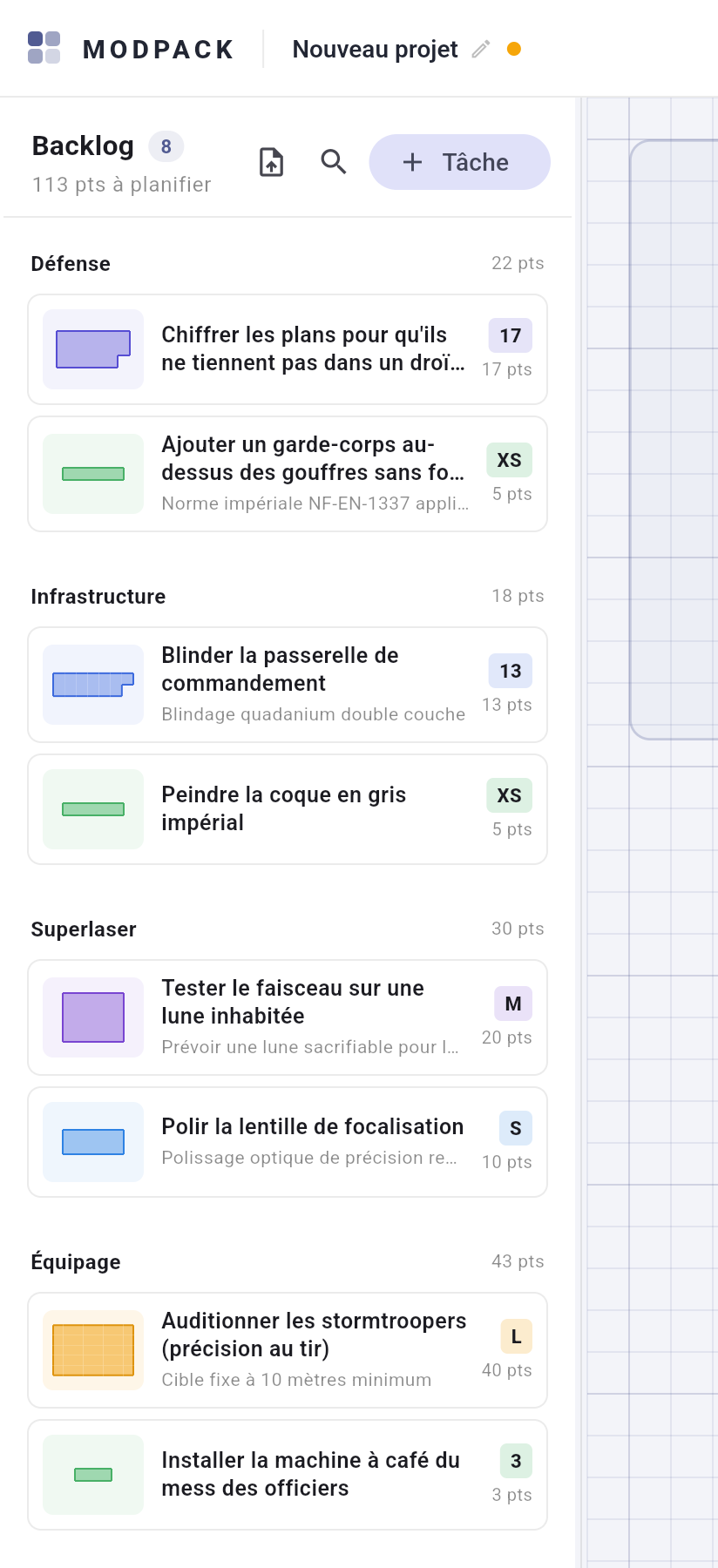
CSV import lives in the backlog panel (it feeds the backlog; not to be
confused with "Open", which loads a .modpack file). A
preliminary window recalls the expected format before you pick a file.
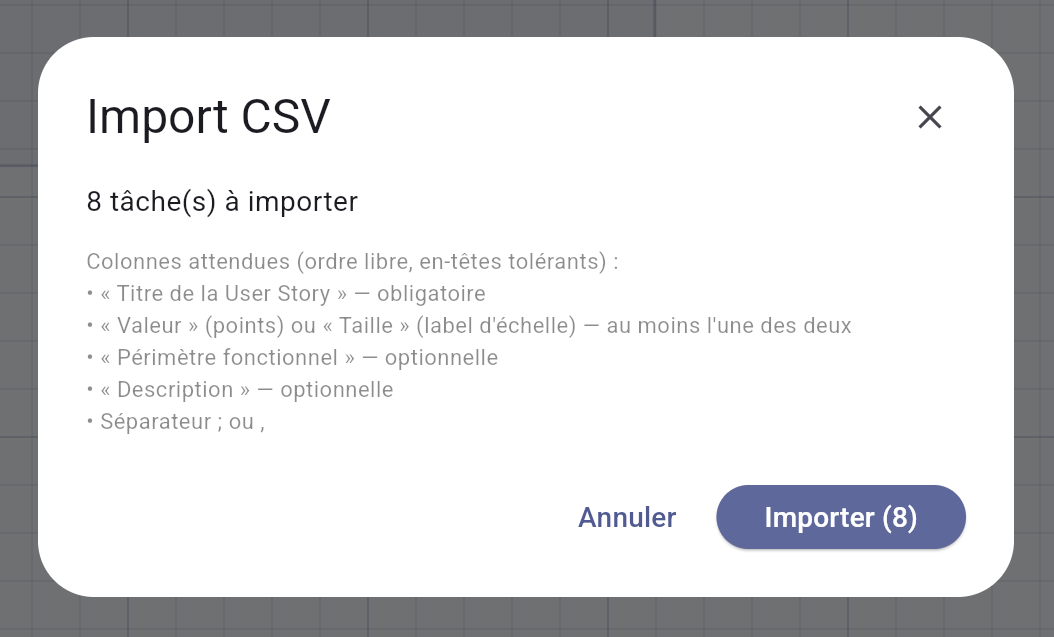
The expected format
Column headers are the French ones of the reference format (an assumed limitation for now):
| Column | Required | Role |
|---|---|---|
Titre de la User Story | yes | Task title. |
Périmètre fonctionnel | no | Backlog group. |
Description | no | Free text. |
Taille (or Moyenne) |
at least one of the two | Scale label ("S", "M"…). |
Valeur (or Points,
Chiffrage, Estimation) |
Numeric points — takes precedence over the size, line by line. |
- Columns are recognised by header: free order, case
and accents ignored.
;or,separator auto-detected. - UTF-8 required: an Excel CSV in Windows-1252 is refused with an explicit message — re-export it as UTF-8, nothing is overwritten.
- An import report shows before anything is created: rejected lines (missing title, unknown size) listed with their number and the reason.
- Never a silent duplicate: titles already present are counted separately, and you choose "Import without duplicates" or "Import everything".
- Excel file? Save it as UTF-8 CSV from Excel or LibreOffice, then import. A sample backlog ships with the project.
Exporting
- The whole project: export button in the app bar. A single sprint: its card menu.
- Columns:
Sprintthen the reference order above. Sorted by sprint (backlog last), decreasing estimation. UTF-8 with BOM: the file opens straight in Excel. - The export is re-importable as is — the
Sprintcolumn is ignored on import, tasks return to the backlog.